

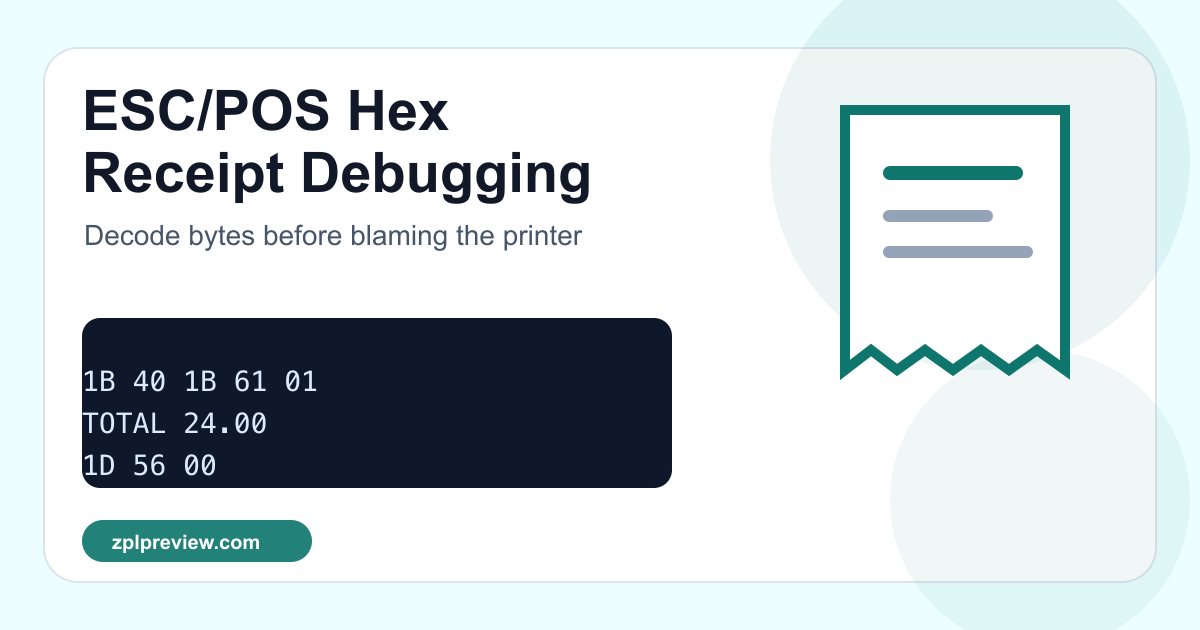
Debugging ESC/POS Receipt Bytes Without Guessing
The most frustrating receipt-printer bug is the one that is almost invisible. The cashier says the paper is cutting too early. The kitchen printer centers the store name but leaves the total in bold. A driver log shows a few dozen bytes, but the application code only says “send raw data”.
At that point, looking at the rendered receipt is not enough. You need to read the bytes. ESC/POS is small enough to reason about, but only if you stop treating the payload as an opaque string.
The real shape of a receipt payload
A basic ESC/POS job often mixes printable text and control bytes. This is why copying the receipt into a text editor can be misleading: the command bytes are not visible characters.
1B 40
1B 61 01
5A 50 4C 50 52 45 56 49 45 57 20 53 54 4F 52 45
0A
1B 45 01
54 4F 54 41 4C 20 32 34 2E 30 30
0A
1D 56 00
If you paste that into the ESC/POS Hex Decoder, the command layer becomes much clearer:
1B 40means initialize printer.1B 61 01sets alignment, commonly center.1B 45 01turns bold on.1D 56 00asks the printer to cut the paper.
A short debugging story
One POS integration we reviewed had a “random bold total” issue. It was not random at all. The app turned bold on for the total line, sent the amount, and then cut the receipt. It never sent the matching command to turn bold off. Most receipts looked fine because the next print job started with ESC @, which reset the printer. A smaller refund receipt did not.
The fix was not a new driver. It was one byte sequence after the total:
1B 45 00 ; bold off before footer or cutThat is the value of decoding bytes. You can separate printer state from layout, and state bugs become visible.
What to check before blaming hardware
- Does every job start with
ESC @, or are you inheriting alignment, bold, code page, or size from the previous job? - Are cut commands sent after the final line feed, not before the footer finishes?
- Does the payload use a code page that can print your currency symbol and local text?
- Are image bytes or QR commands mixed into text logs and then damaged by escaping?
- Does the same byte payload behave differently on another printer model or firmware?
Generating a clean test receipt
When you are unsure whether the application or printer is at fault, build a tiny controlled receipt in the ESC/POS Receipt Builder. Keep it boring: store name, two items, total, footer, cut. If the clean receipt prints correctly, compare its bytes with the application job.
ESC @
ESC a 1
STORE NAME
ESC a 0
ITEM A                 12.00
TOTAL                  12.00
GS V 0Where this fits in a printer workflow
ZPL labels and ESC/POS receipts usually live in different parts of the business, but the debugging pattern is similar: isolate the command stream, preview or decode what you can, and test one variable at a time. For label scripts, use the Printer Script Command Inspector. For receipt bytes, start with the hex decoder.
The goal is not to memorize every ESC/POS command. The goal is to make the invisible parts of the print job visible enough that you can stop guessing.