

ZPL Label Approval Workflow for ERP and WMS Teams
A practical release workflow for ERP and WMS label changes: preview exact ZPL, inspect fields, check production risks, print and scan a sample, and attach an approval report.
Read MoreEnglish articles on ZPL workflows: platform overview, release history, Labelary vs ZPLPreview, ZPL evolution, AI natural-language ZPL, editor/formatter/OCR guides, and shipping-label walkthroughs. For hands-on tools visit the main site; posts here focus on how and why.
A practical release workflow for ERP and WMS label changes: preview exact ZPL, inspect fields, check production risks, print and scan a sample, and attach an approval report.
Read More
Create a useful Zebra label QA report with source ZPL, preview proof, field table, risk notes, printer settings, scanner validation, and a clear approval record.
Read More
A production checklist for safer ZPL releases: preview the full label, inspect commands, estimate scan risk, print one sample, generate approval notes, and keep rollback context.
Read More
A production-focused workflow for barcode failures: isolate the symbol, check ^BY width, protect quiet zones, validate GS1 data, and run readiness checks before rollout.
Read More
How to use ZPL to PDF proofs for QA approval, shipping label review, support tickets, PNG comparison, and production records while keeping source ZPL editable.
Read More
A practical template guide for 4x6 Zebra shipping labels: fixed dimensions, address blocks, native barcodes, QR links, readiness checks, and PDF approvals.
Read More
A field guide for POS receipt bugs: decode ESC/POS hex bytes, find hidden alignment, bold, feed and cut commands, and compare clean test receipts with application output.
Read More
A practical migration checklist for TSC labels moving to Zebra: inspect TSPL commands, convert to ZPL carefully, preview at target DPI, and validate barcodes on real media.
Read More
Before moving ZPL coordinates, check media type and calibration. This guide explains gap labels, black-mark rolls, continuous media, sensor checks and calibration snippets.
Read MoreTroubleshoot thermal barcodes that fail scanner tests by checking ^BY module width, quiet zones, darkness, speed, ribbon, media coating and printhead condition.
Read More
Legacy EPL templates can outlive the systems that created them. Learn how to inspect, preview, document and migrate EPL labels without breaking production output.
Read More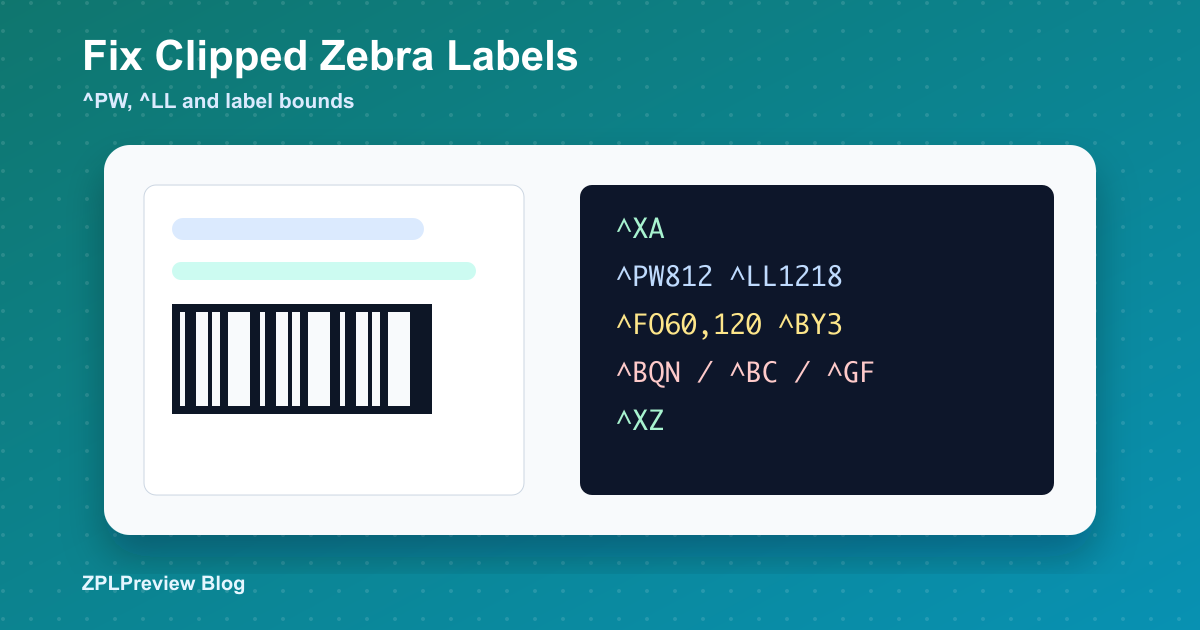
A practical guide to Zebra labels that print cut off: physical label size, DPI, ^PW, ^LL, field origins, graphics, barcodes and printer configuration.
Read More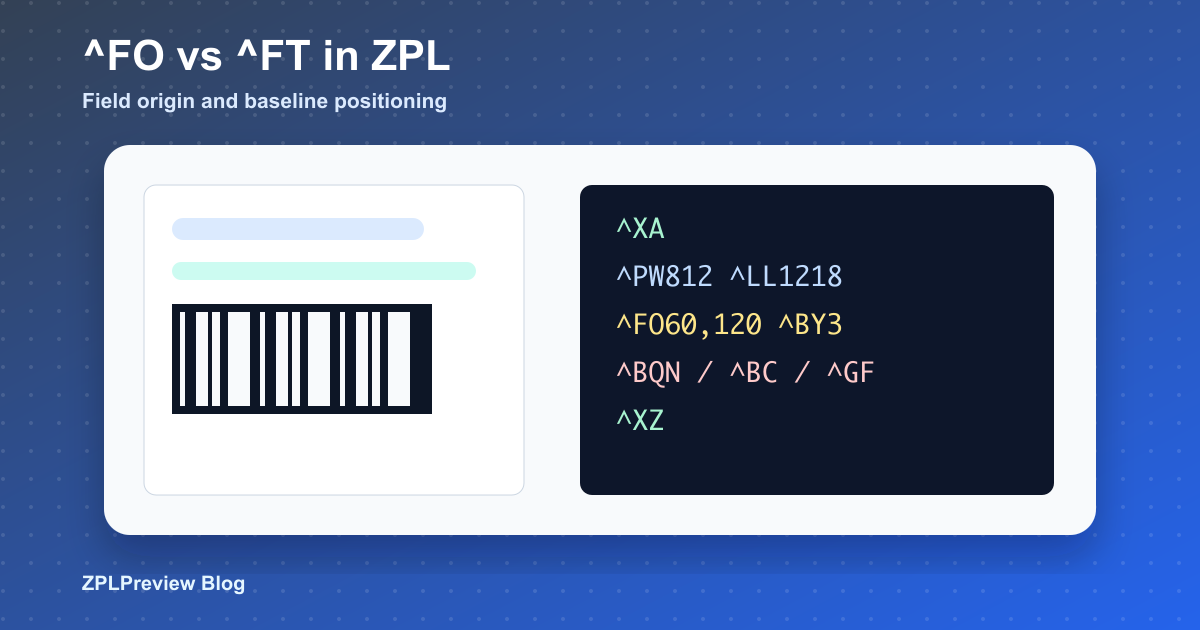
Understand field origin versus field typeset positioning, when to use each command, and how to keep ZPL coordinate edits safe in production templates.
Read More
Build scan-ready Zebra QR code labels with ^BQN, sensible magnification, compact data, quiet zones, serial lookup examples and work order examples.
Read MoreDecide whether a PDF shipping label should become an image-based ZPL bridge or a native template with editable text and scan-ready barcodes.
Read MoreA practical troubleshooting guide for ZPL barcodes that look fine but fail in the warehouse: ^BY width, quiet zones, DPI, darkness, speed and scanner validation.
Read More
A practical field guide to ^BY module width, Code 128, GS1-128 data, scanner testing, quiet zones and why visually correct barcodes can still fail.
Read More
Prepare black-and-white artwork, convert it to ^GF or Z64, decide between inline and stored graphics, and keep logo placement away from barcode scan zones.
Read MoreTurn unreadable ERP and WMS exports into a repeatable workflow: format, preview, diff, split batches, and reduce failures to a minimal label.
Read More
Move labels between 203, 300 and 600 DPI with ratio math, preview checks, barcode review, font caveats and graphics regeneration rules.
Read More
A triage path for blank previews, clipped labels, encoding surprises, barcode scan failures and cases where preview is right but hardware output is wrong.
Read More
Field-tested examples for ^BC, ^BQN, ^B3 and ^BX, with scanner caveats, demo labels, quiet-zone checks and production review habits.
Read More
Build templates from real workflows: shipping labels, product labels and asset tags with variables, QR fallback, preview checks and field inspection.
Read More
Understand the ZPL commands that change real hardware: ^PW, ^LL, ~SD, ^PR, media tracking, calibration, SGD status and safe rollout habits.
Read More
Use AI for first-draft ZPL, targeted repairs, and layout exploration, then run preview, field inspection, and scan checks before production.
Read More
Recover labels from one-line exports, screenshots, and warehouse photos with a practical sequence: OCR or paste, format, edit, preview, and prove.
Read MoreA complete 4x6 shipping label workflow with native Code 128, QR fallback, long-address testing, preview proofs, and scanner validation.
Read MoreA workflow guide for messy label work: preview ZPL, convert from other formats, inspect one-line scripts, diagnose barcode and printer issues, and test with fewer guesses.
Read More
ZPL started as compact printer control text; modern teams now preview, inspect, diff, scan-check, and promote labels like production code.
Read More
A product-style changelog showing how the site grew from a ZPL viewer into a toolkit for conversion, AI drafting, formatting, OCR, and debugging.
Read More
Use this workflow when a simple ZPL render is not enough: preview, format, inspect fields, export proofs, and explain Zebra label failures.
Read More