

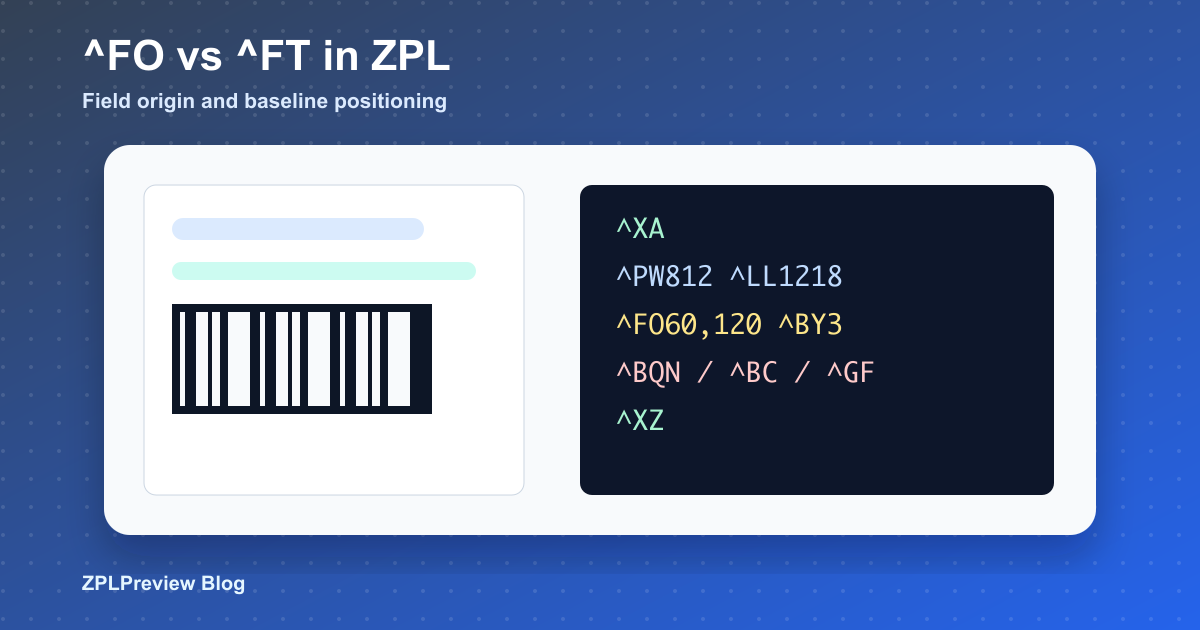
ZPL ^FO vs ^FT: Positioning Text and Barcodes Correctly
Most ZPL layout problems start with coordinates. Two commands show up again and again: ^FO and ^FT. They both position fields, but they do not feel the same when you are aligning text, barcodes, boxes, and rotated objects.
This article explains the practical difference and gives you a workflow for previewing changes in ZPL Viewer before they reach a warehouse printer.
The short version
^FO means field origin. For most labels it is the default, predictable choice. It places the upper-left corner of a field at an x,y coordinate. ^FT means field typeset. It is often used for text because the coordinate behaves more like a baseline reference. That can be useful, but it can also surprise teams that expect every command to behave like ^FO.
^FO60,80^A0N,36,36^FDField origin text^FS
^FT60,180^A0N,36,36^FDField typeset text^FS
Use ^FO for block-style layout
Shipping labels, asset tags, product labels, and carton labels usually have blocks: sender address, recipient address, tracking barcode, product title, SKU, and footer. ^FO is easy to reason about because every field starts from a visible origin.
^XA
^PW812
^LL1218
^FO40,40^GB732,2,2^FS
^FO60,80^A0N,42,42^FDShip To:^FS
^FO60,140^A0N,32,32^FDJane Example^FS
^FO60,220^BY3
^BCN,130,Y,N,N
^FD1Z999AA10123456784^FS
^XZ
When you move a block down by 30 dots, you can usually add 30 to each Y coordinate. That simplicity matters when non-specialists maintain labels inside ERP or WMS systems.
Use ^FT when baseline alignment matters
^FT can be helpful when you are aligning multiple text fields by a baseline instead of their top edge. For example, a price, unit, and small suffix may use different font sizes but still need to sit on a shared visual line.
^FT60,220^A0N,72,72^FD$19^FS
^FT160,220^A0N,38,38^FD.95^FS
^FT230,220^A0N,28,28^FDUSD^FS
This kind of layout can look cleaner with ^FT, but only when your team understands the reference point. If the same template mixes ^FO and ^FT without a pattern, future edits become slower.
Do not forget rotation
Rotation changes how fields occupy space. A rotated address block or barcode may extend in a direction that does not match your mental model. Preview the result after every meaningful move, especially when commands include orientation values such as N, R, I, or B.
^FO field, one ^FT field, and a border. It makes coordinate behavior obvious when onboarding a new template maintainer.Barcodes are usually easier with ^FO
For barcodes, ^FO is normally easier. Barcode height, human-readable text, quiet zones, and module width are already enough to manage. A predictable upper-left origin reduces confusion. If the barcode does not scan after moving it, review ^BY, quiet zones, and nearby graphics with the Barcode Generator or GS1 Helper.
Production positioning checklist
- Choose
^FOas the default for boxes, images, barcodes, and common text blocks. - Use
^FTintentionally when baseline alignment is the goal. - Avoid mixing both commands randomly in the same visual section.
- Confirm
^PWand^LLbefore moving fields. - Use ZPL Command Cheat Sheet when reviewing inherited code.
- Use ZPL Diff before releasing a coordinate-heavy edit.
The best ZPL templates are boring in a good way. A consistent positioning convention makes them easier to debug, easier to scale between DPI values, and safer for operations teams to maintain.